⚠ Este artículo está disponible únicamente en inglés. El contenido del blog aún no ha sido traducido.
AI Course Generation: From Idea to Full Course in Minutes

The Course Creation Bottleneck
Ask any coach or educator what holds them back from launching an online course, and you'll hear the same answer: structuring the content. Recording videos is straightforward. Designing a logo is fun. But sitting down to map out 6 modules, 24 lectures, quiz questions for each section, and practical assignments that actually test understanding? That's where most people stall.
Studies show the average instructor spends 40–80 hours creating a single online course. A large chunk of that — often 15–20 hours — is pure structural work: deciding what goes where, in what order, and at what depth. AI course generation collapses that timeline to minutes.
Step 1: Start With a Clear Topic and Audience
The quality of AI output depends heavily on the quality of your input. Before you type anything into the generator, spend five minutes getting specific:
- Topic: Not "leadership" — "servant leadership for first-time engineering managers"
- Audience: Not "anyone" — "technical leads with 0–2 years of management experience"
- Outcome: What should learners be able to do after completing the course?
This clarity doesn't just help the AI — it forces you to think like a course designer from the start. Vague topics produce vague courses. Specific topics produce courses that feel tailored and intentional.
Step 2: Generate and Review the Structure
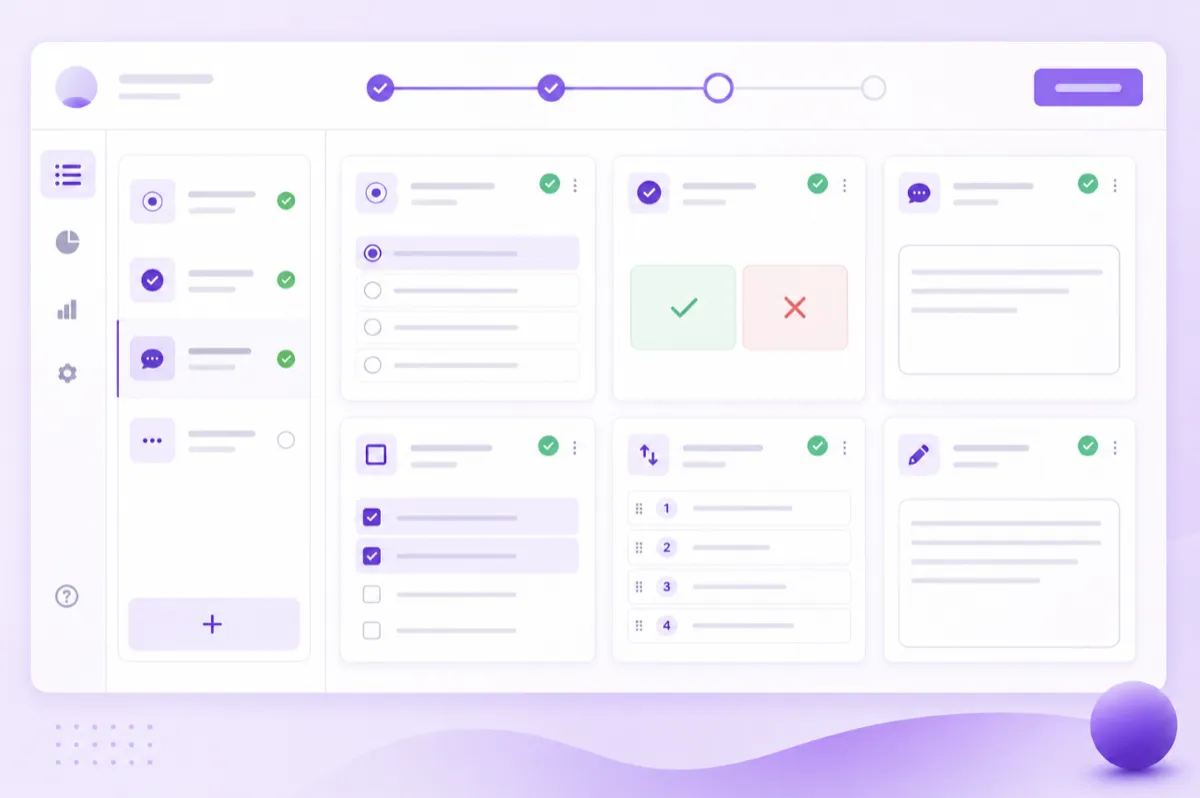
Once you submit your topic, the AI produces a full course outline in under 60 seconds. Here's what you'll typically see:
- 5–8 modules arranged in a logical learning progression (foundational → intermediate → advanced)
- 3–5 lectures per module, each with a clear learning objective
- Quiz questions mapped to each module's key concepts
- Assignments that ask learners to apply, not just recall
Don't just skim and approve. Read through critically. Ask yourself:
- Is the progression logical, or does it jump around?
- Are there modules I'd merge or split?
- Are any critical topics missing that my audience would expect?
- Is the depth appropriate, or is it too surface-level?
Treat this like editing a first draft. Move modules around, rename lectures, add or remove sections. The AI got you 80% of the way there — your job is the final 20% that makes it great.
Step 3: Enrich With Your Expertise
This is where your course goes from "good" to "why would I learn from anyone else?" The AI gives you the structure; your expertise makes it irreplaceable. Here's how to enrich each component:
Lectures
Add your own recorded videos. AI-generated text is useful for reference, but your voice, your face, and your real-world examples are what learners actually connect with. Aim for 5–15 minute videos that expand on the lecture's key concept with personal stories and case studies.
Quizzes
Review every AI-generated question. Replace generic scenarios with ones from your actual experience. If the AI asks "What is a key principle of X?", change it to "In the scenario where [specific real situation], what would you do and why?" — that tests real understanding, not memorisation.
Assignments
AI-generated assignments tend to be safe and generic. Push them toward action and accountability. Instead of "Write a reflection on X," try "Implement X in your current project and document the results. Share your write-up in the community space for peer feedback."
Step 4: Set Up Your Learning Community
The biggest mistake new course creators make is treating their course as a standalone product. Courses without community have significantly higher dropout rates. Before you publish, set up:
- A dedicated space for course members to discuss each module
- A weekly discussion prompt tied to the current module's content
- An office hours schedule — even 30 minutes per week — for live Q&A
This transforms your course from a content dump into a learning experience. Members who feel connected to a cohort complete courses at 5–10x the rate of solo learners.
Step 5: Publish, Launch, and Iterate
Don't wait for perfection. Launch with your first cohort of 10–20 learners, gather feedback, and improve. The most successful courses on our platform went through 2–3 iterations before finding their stride.
Use completion rates and quiz scores as your north star metrics. If learners are dropping off at Module 3, that module needs work — not more marketing.
A Realistic Timeline
Here's what the process looks like in practice:
- Day 1 (2 hours): Define topic and audience, generate the course structure, and review the outline
- Day 2–3 (4–6 hours): Record videos for the first 2–3 modules and customise the quiz questions
- Day 4–5 (4–6 hours): Record remaining videos, enrich assignments, and set up the community space
- Day 6 (1 hour): Publish and invite your first cohort
Total: roughly 12–15 hours from idea to launch. Compare that to the traditional 40–80 hour timeline — that's a 3–5x reduction, with a better-structured course to show for it.
Ready to try it? Start building your AI-powered course free on Digital Builders.